
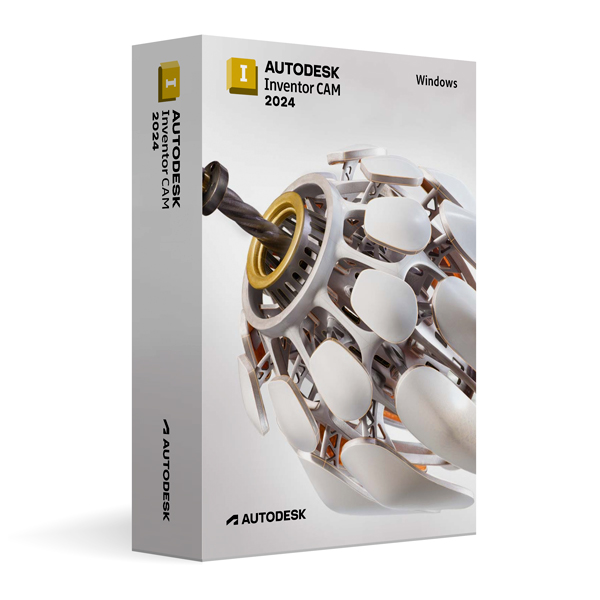
Inventor CAM
Autodesk Inventor CAM 2024 for Windows
Operating system


Lifetime expert support – included, at no extra cost
- Originallizenz
- Instant delivery by email
- Free support
- Version2024
- PlatformWindows
- Licence3 years, one-time payment
More versions: Inventor CAM
 £109.99
Autodesk Inventor CAM 2027 for Windows
£109.99
Autodesk Inventor CAM 2027 for Windows
 £69.99
Autodesk Inventor CAM 2026 for Windows
£69.99
Autodesk Inventor CAM 2026 for Windows
 £49.99
Autodesk Inventor CAM 2025 for Windows
£49.99
Autodesk Inventor CAM 2025 for Windows
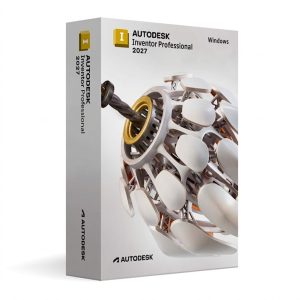 £109.99
Autodesk Inventor Professional 2027 for Windows
£109.99
Autodesk Inventor Professional 2027 for Windows
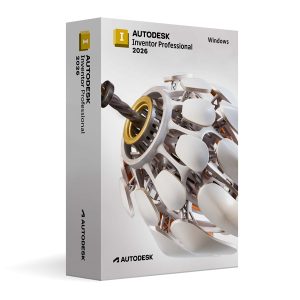 £69.99
Autodesk Inventor Professional 2026 for Windows
£69.99
Autodesk Inventor Professional 2026 for Windows
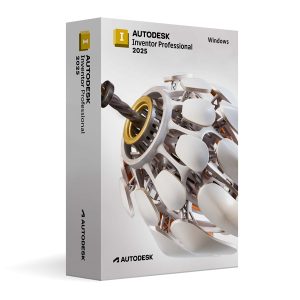 £49.99
Autodesk Inventor Professional 2025 for Windows
£49.99
Autodesk Inventor Professional 2025 for Windows
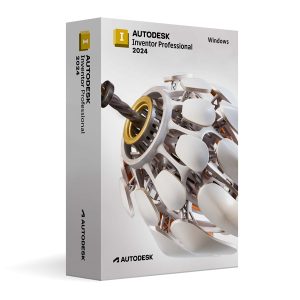 £29.99
Autodesk Inventor Professional 2024 for Windows
£29.99
Autodesk Inventor Professional 2024 for Windows
 £109.99
Autodesk Inventor Nesting 2027 for Windows
£109.99
Autodesk Inventor Nesting 2027 for Windows
Description
This version of Autodesk Inventor CAM 2024 is an educational version for personal and educational use. It contains all the features of the full version, displays no watermarks and there is no reference to the educational licence in printed files.
Overview
Autodesk Inventor CAM 2024 for Windows improves CNC machining planning with optimised toolpath strategies and improved machine compatibility. The version speeds up the path from digital model to finished component.
Key features
Inventor CAM 2024 offers improved adaptive milling strategies that reduce tool wear and significantly shorten machining times.
New post-processor updates and extended machine support allow use with a wider range of CNC systems.
Optimised simulation speed and more precise material removal visualisation make it easier to check machining programs before production.
Download & activation
You download the software from the official Autodesk server and activate it digitally through your Autodesk account. Verification is by email – fast, secure and without a licence key.
Precision & workflow
The integrated analysis and checking tools help to systematically eliminate inconsistencies and errors. This keeps your work precise throughout – ideal for training, simulations and demanding applications.
One-time payment
- 3 years of full access – just a single payment
- No subscription models or instalments
- No surprise costs after purchase
What is included
- Email with detailed step-by-step instructions
- Secure activation through your Autodesk account by email
- No licence key – purely digital process
- Official download from the Autodesk platform
Why buy from us?
- Official email-based Autodesk activation
- Instant access after successful payment
- No hidden costs, no subscription
- Official Autodesk download guaranteed
- Personal support – fast and solution-oriented
System requirements
- Operating System: 64-bit Microsoft Windows 10 or Windows 11
- Processor: 2.5 GHz multi-core CPU (3.0 GHz or higher recommended)
- Memory (RAM): 8 GB minimum (16 GB or more recommended)
- Storage: 20 GB free disk space (SSD recommended)
- Graphics: DirectX 11 compatible GPU (DirectX 12 support recommended)
- Display: Minimum resolution 1366 × 768 (1920 × 1080 or higher recommended)
- Internet Connection: Required for installation, activation, and updates
Digital and instant – without waiting times, worldwide.
If there are problems, our team is always there for you.
Official systems guarantee secure delivery.
Apple Pay, Google Pay, Stripe, Visa – your payment is safe and protected.
Delivery & activation
When will I receive my software?
Immediately after successful payment you receive an email with instructions – 24 hours a day, 7 days a week.
How is the software activated?
The download comes directly from Autodesk.com, activation is done through your Autodesk account by email – no licence key needed.
Any questions?
Our support will help you free of charge. Get in touch.
- 100% protectionSecure payments thanks to Stripe fraud protection.
- Instant deliveryAutomatic delivery by email after payment.
- Free supportHelp with installation and activation.
- Genuine licenceThe licence is securely assigned to your account.
- Encrypted checkoutApple Pay, Google Pay, Stripe, Visa – your payment is safe and protected.
- Invoice availableDownload your invoice right after purchase.
Product description
This version of Autodesk Inventor CAM 2024 is an educational version for personal and educational use. It contains all the features of the full version, displays no watermarks and there is no reference to the educational licence in printed files.
Overview
Autodesk Inventor CAM 2024 for Windows improves CNC machining planning with optimised toolpath strategies and improved machine compatibility. The version speeds up the path from digital model to finished component.
Key features
Inventor CAM 2024 offers improved adaptive milling strategies that reduce tool wear and significantly shorten machining times.
New post-processor updates and extended machine support allow use with a wider range of CNC systems.
Optimised simulation speed and more precise material removal visualisation make it easier to check machining programs before production.
Download & activation
You download the software from the official Autodesk server and activate it digitally through your Autodesk account. Verification is by email – fast, secure and without a licence key.
Precision & workflow
The integrated analysis and checking tools help to systematically eliminate inconsistencies and errors. This keeps your work precise throughout – ideal for training, simulations and demanding applications.
One-time payment
- 3 years of full access – just a single payment
- No subscription models or instalments
- No surprise costs after purchase
What is included
- Email with detailed step-by-step instructions
- Secure activation through your Autodesk account by email
- No licence key – purely digital process
- Official download from the Autodesk platform
Why buy from us?
- Official email-based Autodesk activation
- Instant access after successful payment
- No hidden costs, no subscription
- Official Autodesk download guaranteed
- Personal support – fast and solution-oriented
System requirements
- Operating System: 64-bit Microsoft Windows 10 or Windows 11
- Processor: 2.5 GHz multi-core CPU (3.0 GHz or higher recommended)
- Memory (RAM): 8 GB minimum (16 GB or more recommended)
- Storage: 20 GB free disk space (SSD recommended)
- Graphics: DirectX 11 compatible GPU (DirectX 12 support recommended)
- Display: Minimum resolution 1366 × 768 (1920 × 1080 or higher recommended)
- Internet Connection: Required for installation, activation, and updates
Digital and instant – without waiting times, worldwide.
If there are problems, our team is always there for you.
Official systems guarantee secure delivery.
Apple Pay, Google Pay, Stripe, Visa – your payment is safe and protected.
Product information
| Hersteller | Autodesk |
|---|---|
| Product | Inventor CAM |
| Version | 2024 |
| Platform | Windows |
| Licence | 3 years of full access · One-time payment |
| Delivery | Instantly by email |
| Payment | Encrypted checkout – Apple Pay, Google Pay, Stripe, Visa |
| Artikelnummer | ADSK-INVENTOR-CAM-2024-WIN |
Delivery & activation
Delivery is made instantly by email after successful payment – around the clock. Nothing is shipped: you download the software directly from Autodesk.com.
Activation is done digitally through your Autodesk account with email confirmation. A licence key is not required.
All payments are SSL-encrypted. If you have questions, our support will help you free of charge: Contact.
Installation in 3 steps
- Buy: Complete your order and receive the email with the instructions.
- Download: Get the software directly from the official Autodesk website.
- Install & activate: Install, confirm in your Autodesk account and get started.
Reviews (0)
Thank you! Your review has been published.
No reviews yet.
Be the first to review this product.
You may also like
 Autodesk Inventor CAM 2027 for WindowsInventor CAM
£109.99
Add to cart
Autodesk Inventor CAM 2027 for WindowsInventor CAM
£109.99
Add to cart
 Autodesk Inventor CAM 2026 for WindowsInventor CAM
£69.99
Add to cart
Autodesk Inventor CAM 2026 for WindowsInventor CAM
£69.99
Add to cart
 Autodesk Inventor CAM 2025 for WindowsInventor CAM
£49.99
Add to cart
Autodesk Inventor CAM 2025 for WindowsInventor CAM
£49.99
Add to cart
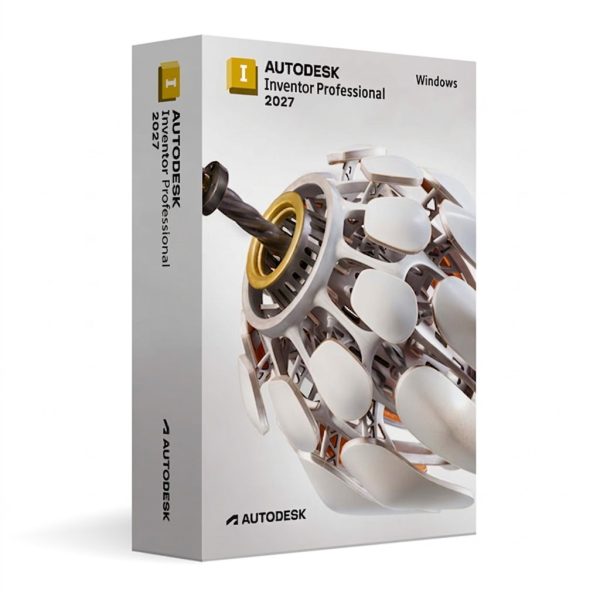 Autodesk Inventor Professional 2027 for WindowsInventor Professional
£109.99
Add to cart
Autodesk Inventor Professional 2027 for WindowsInventor Professional
£109.99
Add to cart
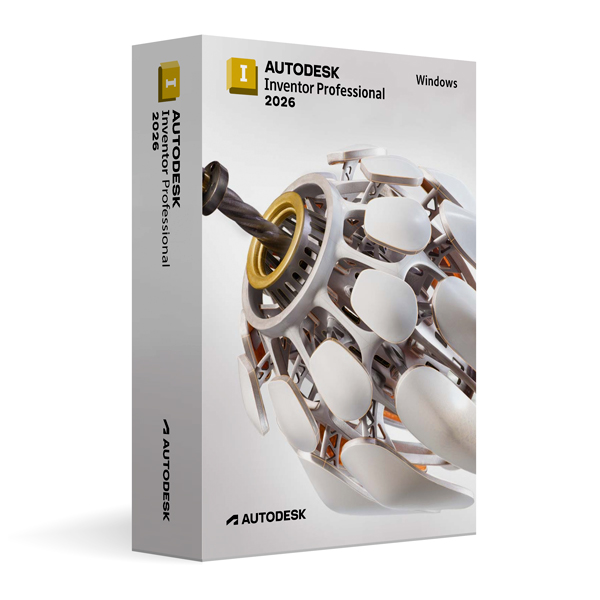 Autodesk Inventor Professional 2026 for WindowsInventor Professional
£69.99
Add to cart
Autodesk Inventor Professional 2026 for WindowsInventor Professional
£69.99
Add to cart
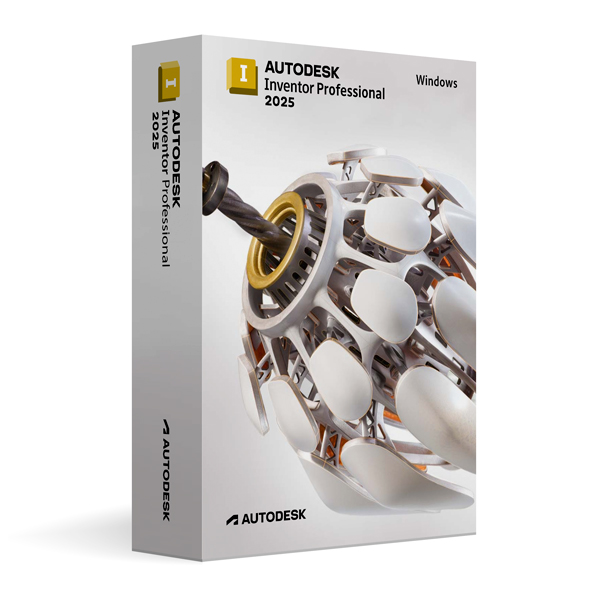 Autodesk Inventor Professional 2025 for WindowsInventor Professional
£49.99
Add to cart
Autodesk Inventor Professional 2025 for WindowsInventor Professional
£49.99
Add to cart
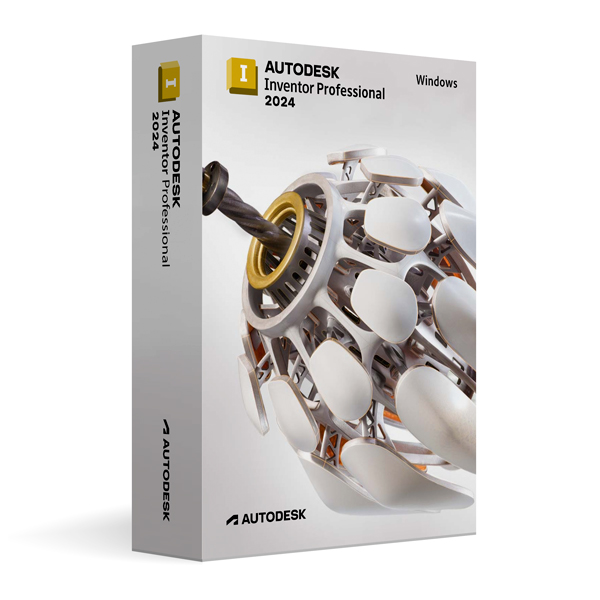 Autodesk Inventor Professional 2024 for WindowsInventor Professional
£29.99
Add to cart
Autodesk Inventor Professional 2024 for WindowsInventor Professional
£29.99
Add to cart
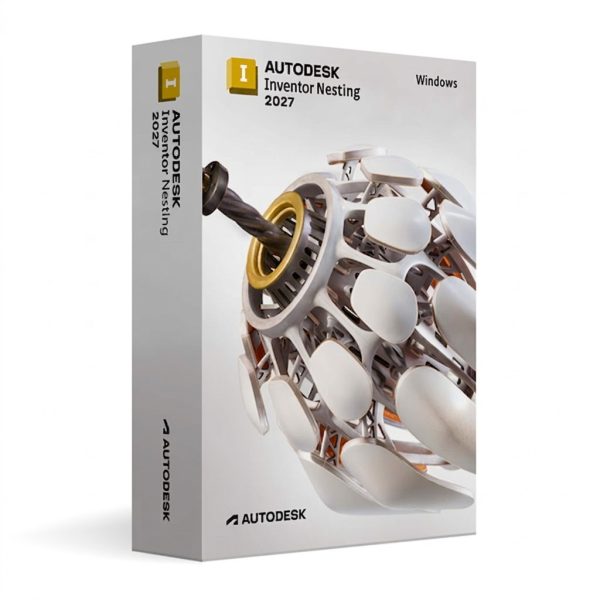 Autodesk Inventor Nesting 2027 for WindowsInventor Nesting
£109.99
Add to cart
Autodesk Inventor Nesting 2027 for WindowsInventor Nesting
£109.99
Add to cart
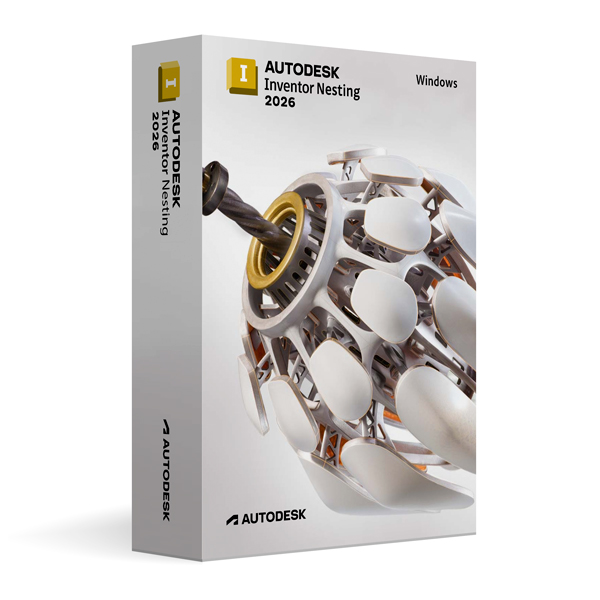 Autodesk Inventor Nesting 2026 for WindowsInventor Nesting
£69.99
Add to cart
Autodesk Inventor Nesting 2026 for WindowsInventor Nesting
£69.99
Add to cart
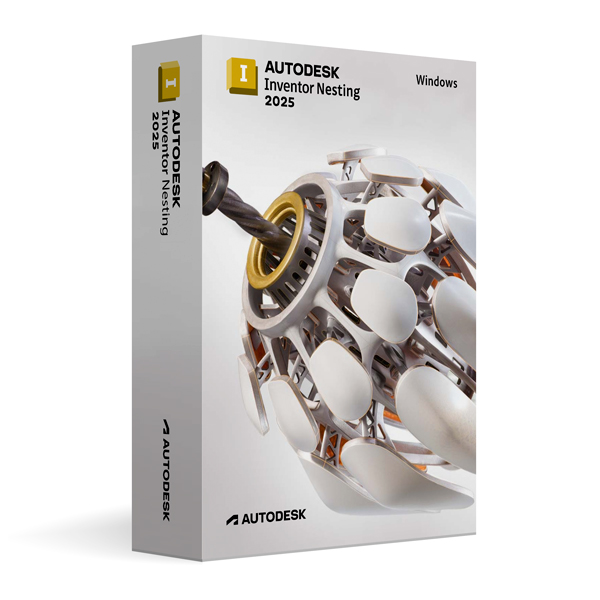 Autodesk Inventor Nesting 2025 for WindowsInventor Nesting
£49.99
Add to cart
Autodesk Inventor Nesting 2025 for WindowsInventor Nesting
£49.99
Add to cart