Fusion 360
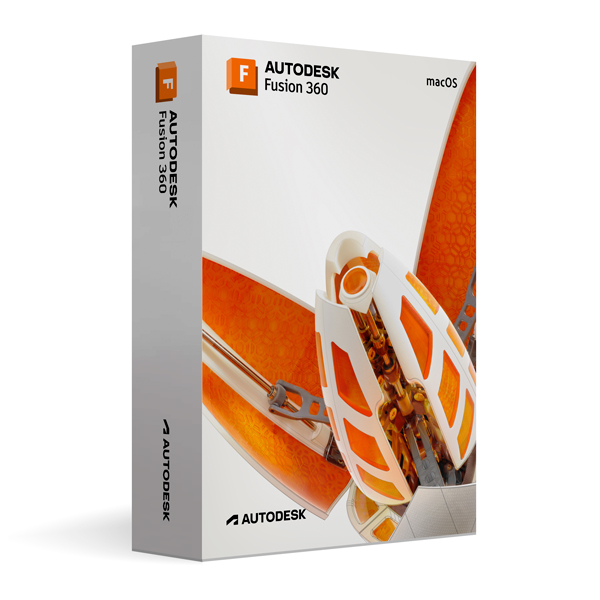
Autodesk Fusion 360 for MacOS
Operating system


Lifetime expert support – included, at no extra cost
- Originallizenz
- Instant delivery by email
- Free support
- PlatformmacOS
- Licence3 years, one-time payment
More versions: Fusion 360
 £69.99
Autodesk Fusion 360 for Windows
£69.99
Autodesk Fusion 360 for Windows
 £109.99
Autodesk Revit 2027 for Windows
£109.99
Autodesk Revit 2027 for Windows
 £69.99
Autodesk Revit 2026 for Windows
£69.99
Autodesk Revit 2026 for Windows
 £49.99
Autodesk Revit 2025 for Windows
£49.99
Autodesk Revit 2025 for Windows
 £29.99
Autodesk Revit 2024 for Windows
£29.99
Autodesk Revit 2024 for Windows
 £109.99
Autodesk Maya 2027 for Windows
£109.99
Autodesk Maya 2027 for Windows
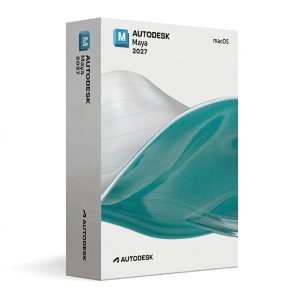 £109.99
Autodesk Maya 2027 for MacOS
£109.99
Autodesk Maya 2027 for MacOS
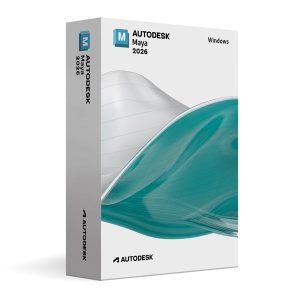 £69.99
Autodesk Maya 2026 for Windows
£69.99
Autodesk Maya 2026 for Windows
Description
This version of Autodesk Fusion 360 is an educational version for personal and educational use. It contains all the features of the full version, displays no watermarks and there is no reference to the educational licence in printed files.
Overview
Autodesk Fusion 360 for macOS is a unified CAD/CAM/CAE platform for Apple systems that combines design, engineering and manufacturing tools in a cloud-based environment. Mac users thus get full access to the product development environment.
Key features
Fusion 360 for Mac offers parametric and freeform modelling tools with full Apple Silicon support for maximum performance on M-chip systems.
Integrated simulation tools for structural, thermal and flow analysis enable well-founded validation of designs without switching platforms.
Cloud synchronisation across all devices and real-time collaboration features make Fusion 360 for Mac ideal for team-based product development.
Download & activation
After purchase you download the software directly from Autodesk.com. Activation is done through your Autodesk account with email confirmation – no licence key, fully digital and secure.
Precision & workflow
Built-in checking and validation tools detect errors early and secure the quality of your work throughout the entire project. The software is excellently suited to learning, further training and demanding project simulations.
One-time payment
- One-time payment – 3 years of full access included
- No subscription, no monthly costs
- No hidden or recurring fees
What is included
- Step-by-step installation guide by email
- Digital activation through a secure email process
- No physical licence key needed
- Download from the official Autodesk website
Why buy from us?
- Official Autodesk activation directly by email
- Delivery is digital and instant
- No subscriptions, no hidden costs
- Direct download from Autodesk
- Dedicated support team always there for you
System requirements
- Operating System: macOS Monterey (12) or newer
- Processor: Apple Silicon or Intel 64-bit CPU
- Memory (RAM): 8 GB minimum (16 GB or more recommended)
- Storage: 10 GB free disk space
- Graphics: Metal-compatible GPU
- Display: Minimum resolution 1920 × 1080
- Internet Connection: Required for installation, activation, and updates
Download your software instantly – wherever you are.
Questions? Our team solves your problem quickly.
Instant provision through official channels.
Apple Pay, Google Pay, Stripe, Visa – your payment is safe and protected.
Delivery & activation
When will I receive my software?
Immediately after successful payment you receive an email with instructions – 24 hours a day, 7 days a week.
How is the software activated?
The download comes directly from Autodesk.com, activation is done through your Autodesk account by email – no licence key needed.
Any questions?
Our support will help you free of charge. Get in touch.
- 100% protectionSecure payments thanks to Stripe fraud protection.
- Instant deliveryAutomatic delivery by email after payment.
- Free supportHelp with installation and activation.
- Genuine licenceThe licence is securely assigned to your account.
- Encrypted checkoutApple Pay, Google Pay, Stripe, Visa – your payment is safe and protected.
- Invoice availableDownload your invoice right after purchase.
Product description
This version of Autodesk Fusion 360 is an educational version for personal and educational use. It contains all the features of the full version, displays no watermarks and there is no reference to the educational licence in printed files.
Overview
Autodesk Fusion 360 for macOS is a unified CAD/CAM/CAE platform for Apple systems that combines design, engineering and manufacturing tools in a cloud-based environment. Mac users thus get full access to the product development environment.
Key features
Fusion 360 for Mac offers parametric and freeform modelling tools with full Apple Silicon support for maximum performance on M-chip systems.
Integrated simulation tools for structural, thermal and flow analysis enable well-founded validation of designs without switching platforms.
Cloud synchronisation across all devices and real-time collaboration features make Fusion 360 for Mac ideal for team-based product development.
Download & activation
After purchase you download the software directly from Autodesk.com. Activation is done through your Autodesk account with email confirmation – no licence key, fully digital and secure.
Precision & workflow
Built-in checking and validation tools detect errors early and secure the quality of your work throughout the entire project. The software is excellently suited to learning, further training and demanding project simulations.
One-time payment
- One-time payment – 3 years of full access included
- No subscription, no monthly costs
- No hidden or recurring fees
What is included
- Step-by-step installation guide by email
- Digital activation through a secure email process
- No physical licence key needed
- Download from the official Autodesk website
Why buy from us?
- Official Autodesk activation directly by email
- Delivery is digital and instant
- No subscriptions, no hidden costs
- Direct download from Autodesk
- Dedicated support team always there for you
System requirements
- Operating System: macOS Monterey (12) or newer
- Processor: Apple Silicon or Intel 64-bit CPU
- Memory (RAM): 8 GB minimum (16 GB or more recommended)
- Storage: 10 GB free disk space
- Graphics: Metal-compatible GPU
- Display: Minimum resolution 1920 × 1080
- Internet Connection: Required for installation, activation, and updates
Download your software instantly – wherever you are.
Questions? Our team solves your problem quickly.
Instant provision through official channels.
Apple Pay, Google Pay, Stripe, Visa – your payment is safe and protected.
Product information
| Hersteller | Autodesk |
|---|---|
| Product | Fusion 360 |
| Platform | macOS |
| Licence | 3 years of full access · One-time payment |
| Delivery | Instantly by email |
| Payment | Encrypted checkout – Apple Pay, Google Pay, Stripe, Visa |
| Artikelnummer | ADSK-FUSION-360-2024-MAC |
Delivery & activation
Delivery is made instantly by email after successful payment – around the clock. Nothing is shipped: you download the software directly from Autodesk.com.
Activation is done digitally through your Autodesk account with email confirmation. A licence key is not required.
All payments are SSL-encrypted. If you have questions, our support will help you free of charge: Contact.
Installation in 3 steps
- Buy: Complete your order and receive the email with the instructions.
- Download: Get the software directly from the official Autodesk website.
- Install & activate: Install, confirm in your Autodesk account and get started.
Reviews (0)
Thank you! Your review has been published.
No reviews yet.
Be the first to review this product.
You may also like
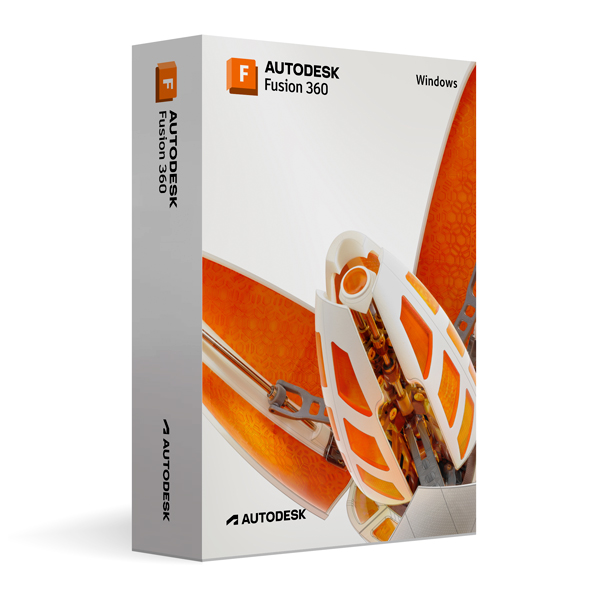 Autodesk Fusion 360 for WindowsFusion 360
£69.99
Add to cart
Autodesk Fusion 360 for WindowsFusion 360
£69.99
Add to cart
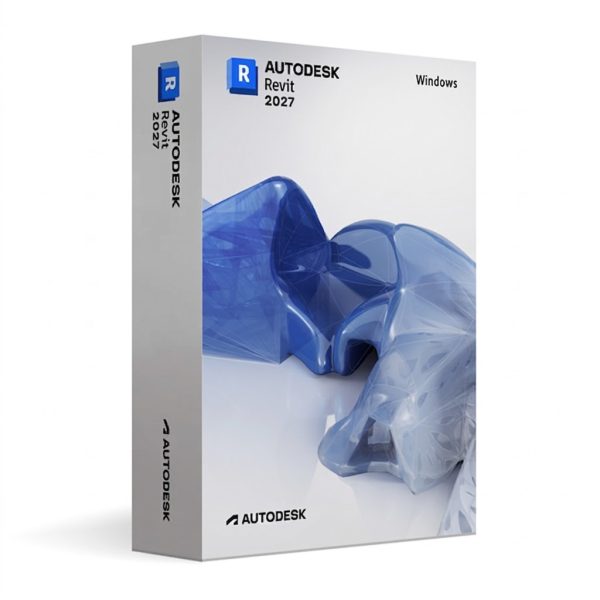 Autodesk Revit 2027 for WindowsRevit
£109.99
Add to cart
Autodesk Revit 2027 for WindowsRevit
£109.99
Add to cart
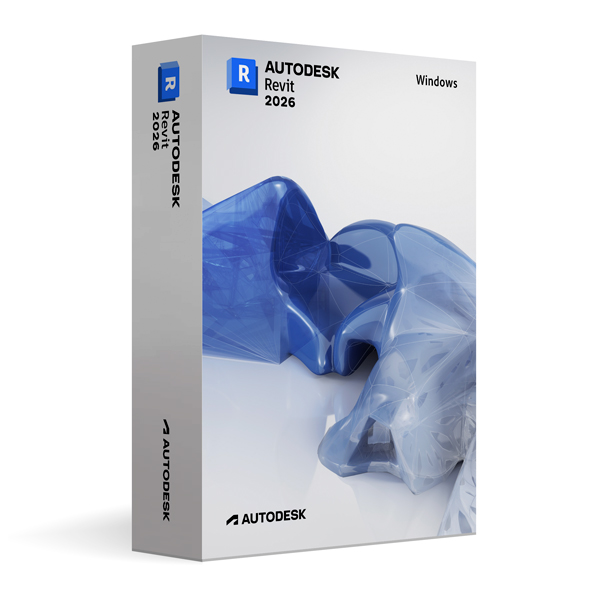 Autodesk Revit 2026 for WindowsRevit
£69.99
Add to cart
Autodesk Revit 2026 for WindowsRevit
£69.99
Add to cart
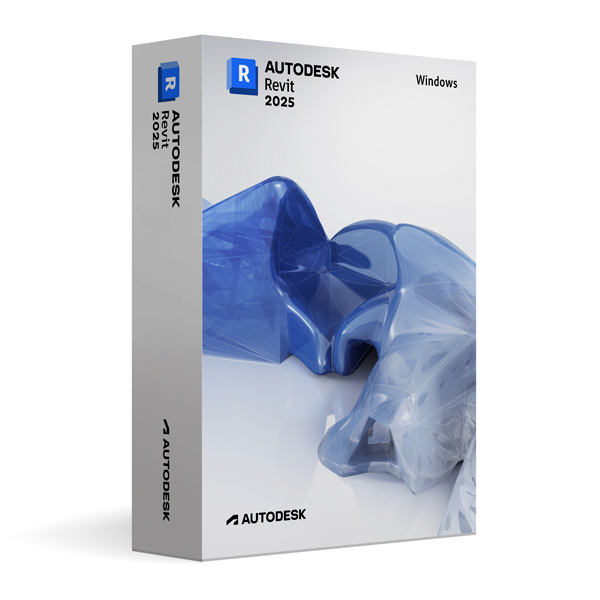 Autodesk Revit 2025 for WindowsRevit
£49.99
Add to cart
Autodesk Revit 2025 for WindowsRevit
£49.99
Add to cart
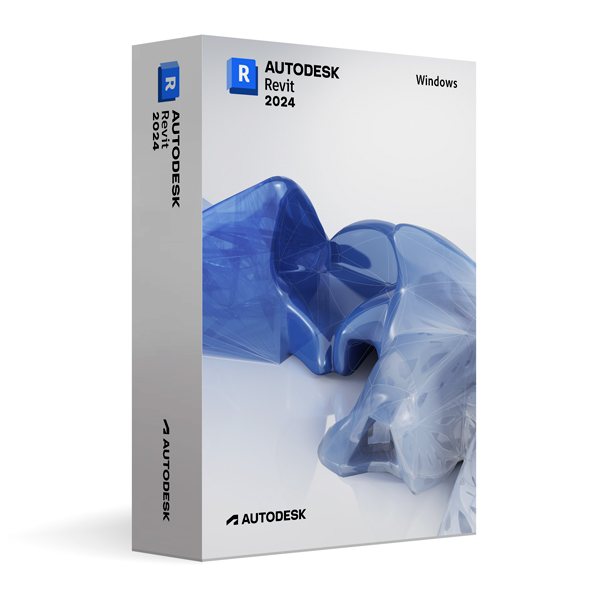 Autodesk Revit 2024 for WindowsRevit
£29.99
Add to cart
Autodesk Revit 2024 for WindowsRevit
£29.99
Add to cart
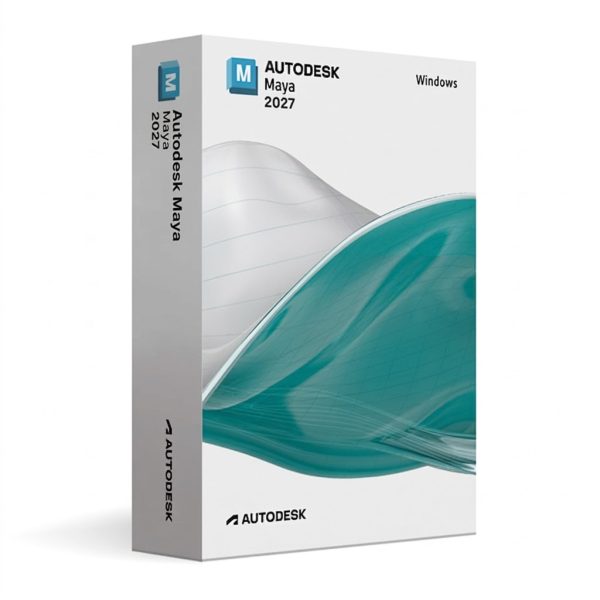 Autodesk Maya 2027 for WindowsMaya
£109.99
Add to cart
Autodesk Maya 2027 for WindowsMaya
£109.99
Add to cart
 Autodesk Maya 2027 for MacOSMaya
£109.99
Add to cart
Autodesk Maya 2027 for MacOSMaya
£109.99
Add to cart
 Autodesk Maya 2026 for WindowsMaya
£69.99
Add to cart
Autodesk Maya 2026 for WindowsMaya
£69.99
Add to cart
 Autodesk Maya 2026 for MacOSMaya
£69.99
Add to cart
Autodesk Maya 2026 for MacOSMaya
£69.99
Add to cart
 Autodesk Maya 2025 for WindowsMaya
£49.99
Add to cart
Autodesk Maya 2025 for WindowsMaya
£49.99
Add to cart